
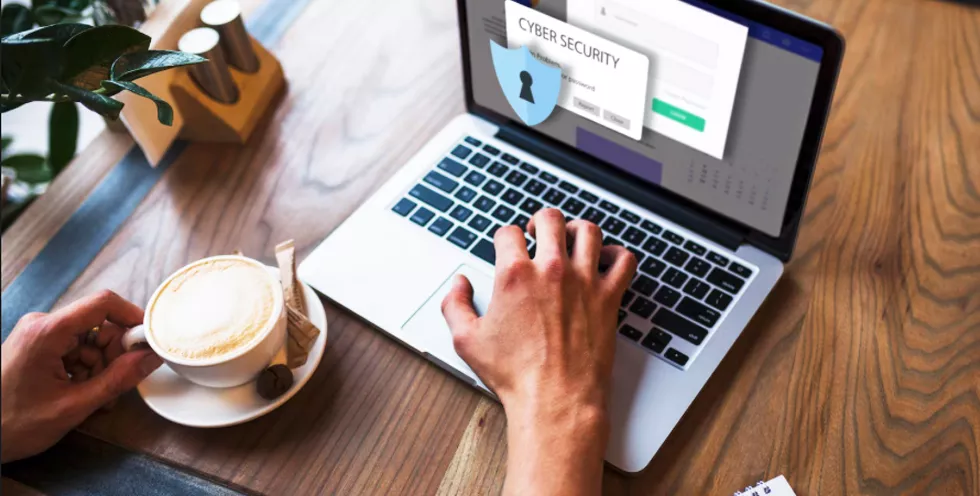
Protecting laptop security from modern threats in 2025
Practical habits and settings that keep your laptop resilient against the current wave of threats.
Your laptop is no longer just a work tool — it holds banking details, personal photos, private conversations and critical files. In practical terms it has become the command centre of your digital life, which is exactly why it has become a prime target for cyber-criminals.
Staying secure in 2025 takes both awareness of modern threats and a set of everyday habits that hold up against them. The steps below cover the essentials.
1. Start with the basics: strong passwords + MFA
Your password is the lock on your front door. Use a unique, long passphrase for every account — memorable but hard to guess (something like 'TheDogAteMyHomework@1972!' beats 'Summer2025'). Then switch on multi-factor authentication for banking, email and social accounts: even if a password leaks, an attacker can't get in without the second step. The UK's National Cyber Security Centre recommends MFA for exactly this reason.
2. Keep everything updated
Updates aren't just new features — they patch the vulnerabilities criminals actively hunt for. Turn on automatic updates for your operating system, browser, security software and installed apps so fixes land the moment they ship. The window between a patch and a working exploit is measured in hours, not weeks.
3. Encrypt the disk
Turn on full-disk encryption — BitLocker on Windows, FileVault on macOS. If the laptop is lost or stolen, encryption is what turns a bad day into a non-event instead of a full data breach.
4. Be sceptical of links, attachments & downloads
Phishing is now polished and tightly targeted. Treat every unexpected link, invoice or 'urgent' request as hostile until you've verified it through another channel. Install software only from trusted sources — official app stores and vendor sites, never a random download page.
5. Use a modern security suite
A reputable endpoint protection product adds real-time malware detection, phishing filters, a firewall and often a password manager and VPN. Free antivirus is better than nothing; a proper suite that stays current is much better.
6. Back up like you mean it
Follow the 3-2-1 rule: three copies of your data, on two different media, with one offsite (an external drive plus an encrypted cloud backup is the simplest version). With a clean backup one restore away, ransomware becomes an inconvenience instead of a catastrophe.
Talk to the Tech Tunnel team
Bringing AI, STEM or IoT into your organisation? We can help you plan and roll it out.